
Before you start
Before you start
Company adoption is planned to proceed through sales discussions and contracting, administrator verification, company server setup and an administrator invitation. Invited employees receive invitation and access instructions through their own Google accounts authorized by the company.
Installation — get the desktop app
Desktop download — download and install the Mac installer specified by your company. Follow your company’s installation guide for installation buttons and security warnings. One-line installation from the website · Planned release.
Public download URL and installation command not finalized
Google sign-in
Follow your company’s access instructions and sign in with your own Google account. Access to the company workspace is restricted to accounts authorized by the company. The Google account used to sign in to the company workspace is separate from the account used to connect an AI model.
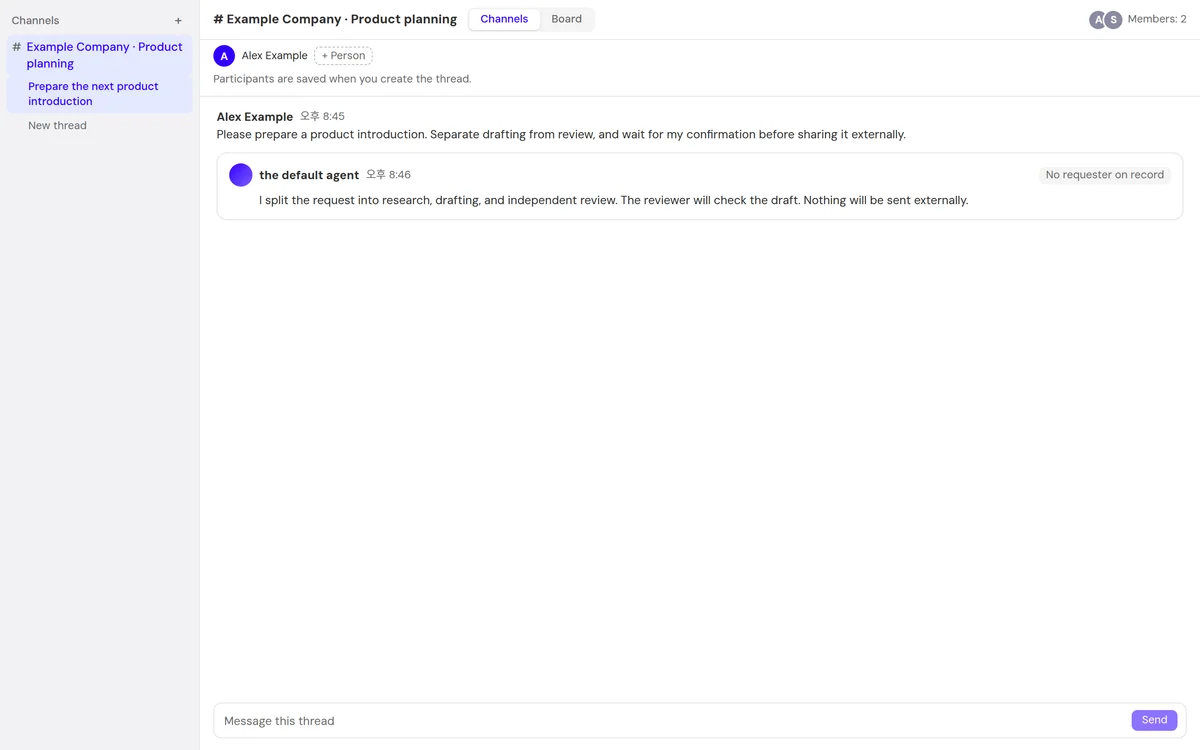
Assign work through channels, threads and cards
Channel — a space to gather conversations by project. Thread — a conversation within a channel to start a particular piece of work. Work request — describe the work you need in the conversation, and the default AI specialist creates task cards. Card — check the title, assignee and status of each task. When a decision is needed, check the questions and options in the conversation.
Installation and connection checklist
Check the access instructions from your company and your authorized account. See the employee guide for the installation and connection checklist.
Content not provided
Company self-signup in preparation
Company adoption is planned to proceed through sales discussions and contracting, administrator verification, company server setup and an administrator invitation